Scene Window
Intro
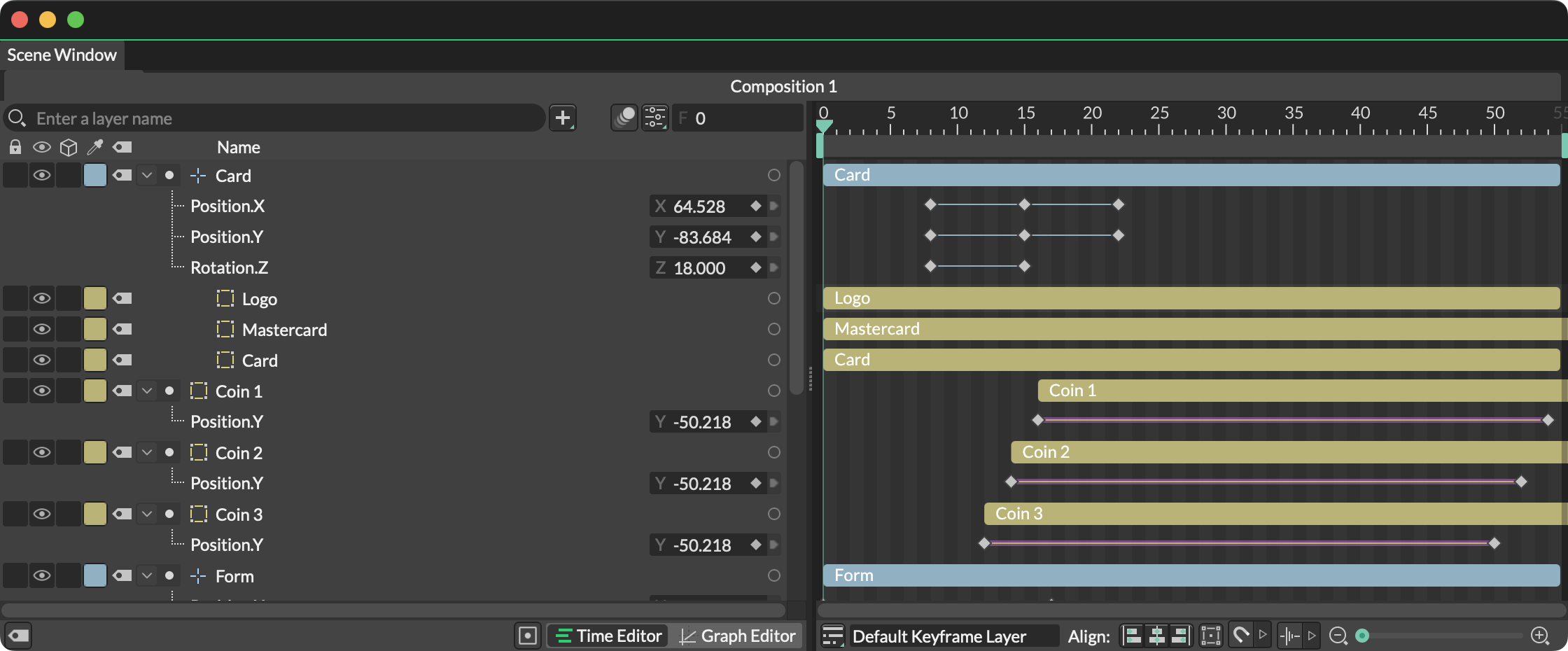
The Scene Window is the heart of Cavalry. It consists of several other areas:
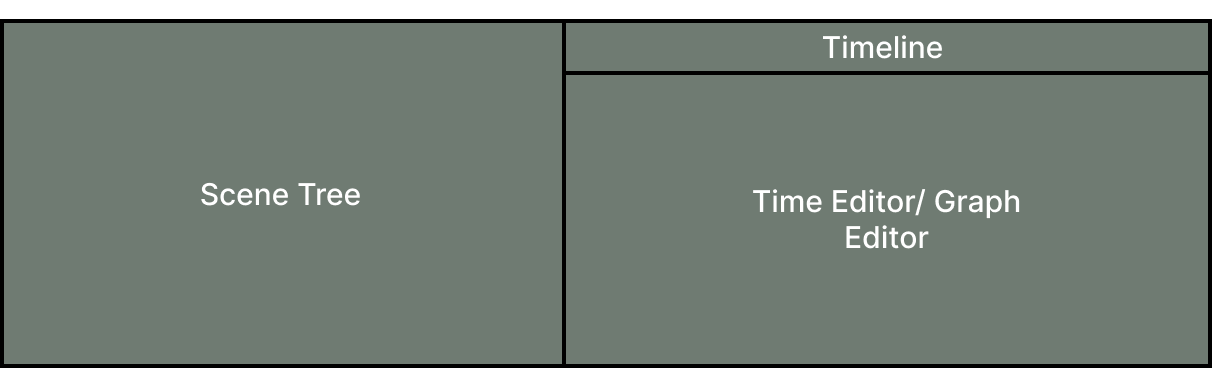
- The Timeline for navigating time.
- The Scene Tree for arranging Layers and hierarchy.
- The Time Editor for retiming Layers and animation.
- The Graph Editor for adjusting animation curves.
Manage Compositions
Several Compositions can be open at the same time. They are represented by tabs at the top of the Scene Window.
Open Compositions
To open a Composition, either:
- Double click one in the Assets Window.
- Click the
Openbutton where a Composition is nested within another Composition. See Pre-Comps.
Close Compositions
To close a Composition either:
- Choose
Composition > Close Compositionfrom the menu to close the active Composition. - Click the
xthat appears on a Composition's tab. - Right click on a Composition's tab and choose from the following options:
- Close - Close the selected Composition.
- Close Others - Close all Compositions except the selected Composition.
- Close Tabs to the Left - Close all Compositions that appear to the left the selected Composition.
- Close Tabs to the Right - Close all Compositions that appear to the right the selected Composition.