Affinity Asset
Intro
Import layered .af files from Affinity into Cavalry.
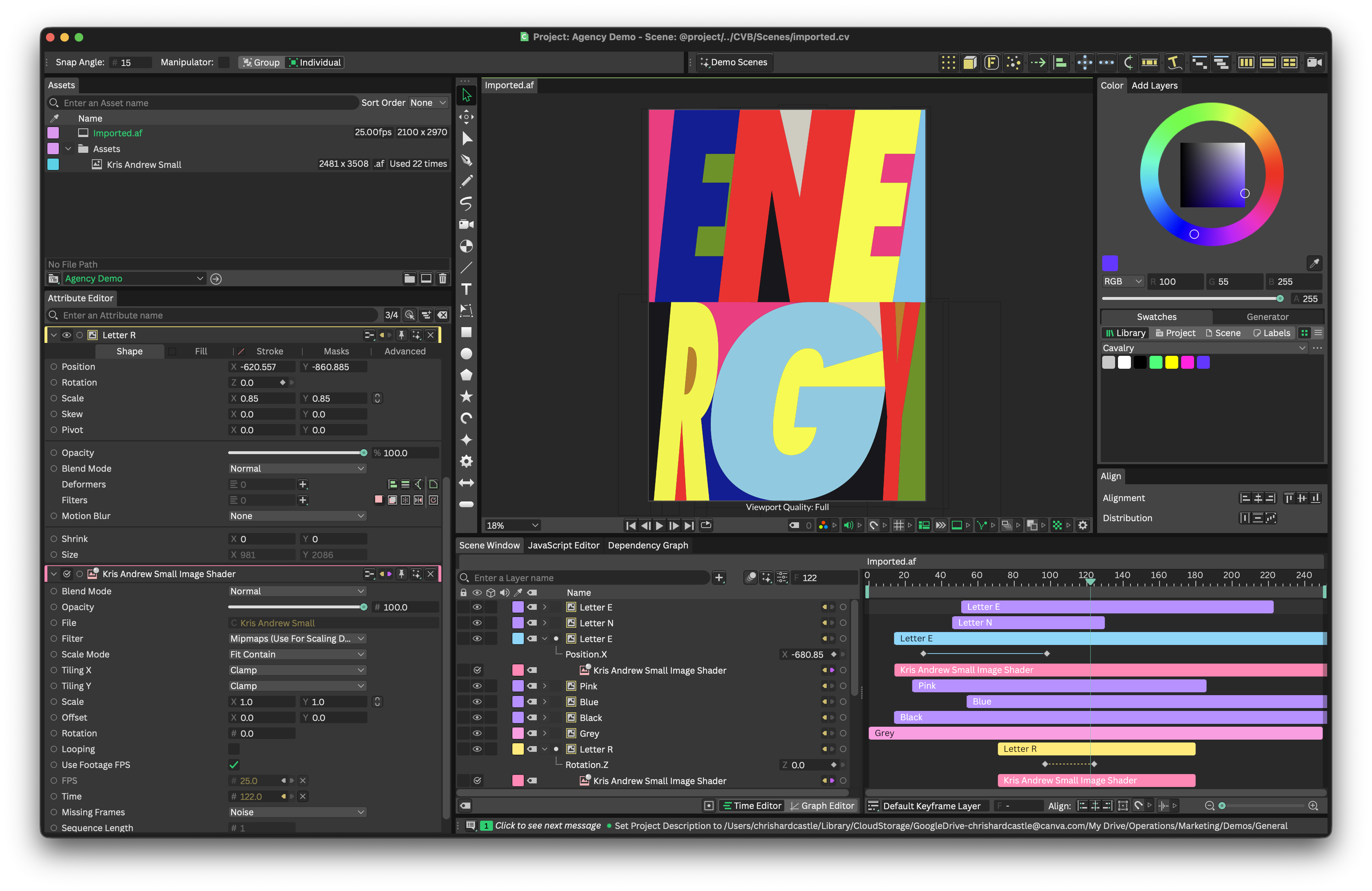
Workflow
Dragging an .af file from the Assets Window or file system into the Viewport will invoke a pop-up dialogue with two options:
- Asset Layer - Create a Footage Shape and Image Shader and connect the
.afasset to the File attribute. - Separate Layers - Create a Footage Shape and Image Shader and connect the
.afasset to the File attribute for each individual layer in the Affinity file.
Notes
- Vector shapes from Affinity are converted to raster (images) when imported to Cavalry.
- Where layers have been added/removed in Affinity after the asset has already been added to a Composition as 'Individual Layers', those layers will not be added/removed to/from the Composition when reloading the asset. .af assets should be be reimported into a Composition in this scenario.