Accumulator
Intro
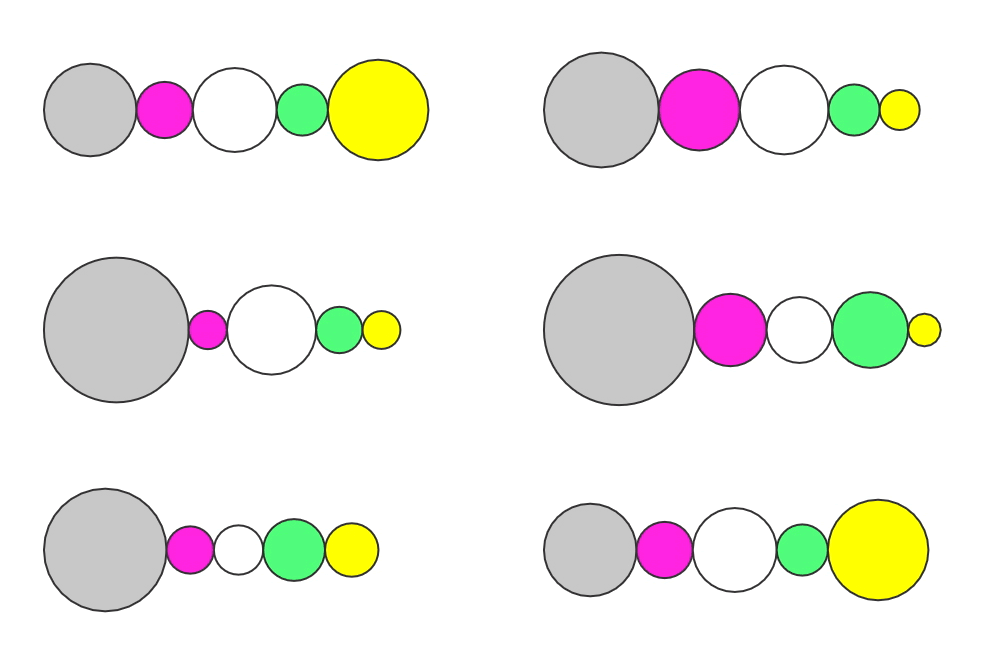
Create 'stacks' of Shapes or custom layouts.
When connected to a Duplicator or Sub-Mesh Deformer, the Accumulator will add the number in Value for each Mesh being calculated.
UI
Value - Set a value to accumulate or connect a Behaviour.
Padding - Add a gap between each Shape.
Offset - Add or subtract a value to the output.
Example
- Create a Rectangle.
- Click the
 on the Deformers attribute and select Align.
 - Set the Align's X attribute to 1.
- With the Rectangle selected, click the Duplicator icon in the Shelf to add it to a Duplicator.
- Set the Duplicator's Distribution to Point.
- In the Attribute Editor, right click on the Rectangle's Size attribute and choose
Add Behaviour > Random. - Set the Random Behaviour's Minimum to
50and Maximum to150. - Uncheck the Random's Use Layer as Seed attribute.
- Create an Accumulator.
- Connect accumulator.id→duplicator.shapePosition.x.
- Connect rectangle.size.w→accumulator.value.
The Rectangles are positioned side by side, respecting each others width. Try increasing Count on the Duplicator or changing the Seed on the Random Behaviour.