Shift Channels Filter
Intro
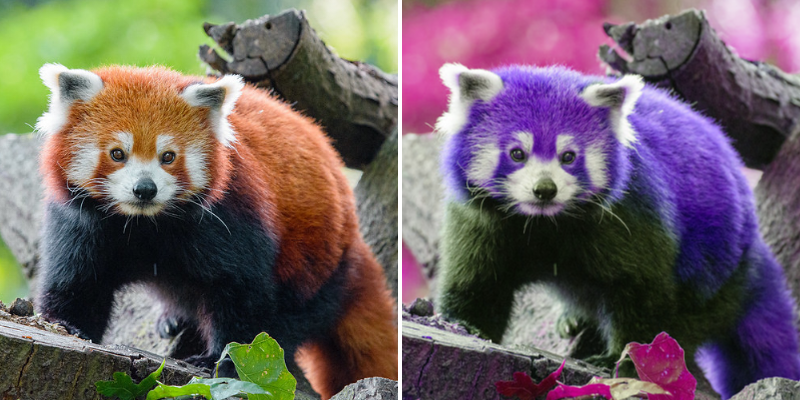
The Shift Channels Filter replaces red, green, blue, and alpha channels with values from other channels.
UI
Red - Select a channel to use as a source for the red color channel.
Green - Select a channel to use as a source for the green color channel.
Blue - Select a channel to use as a source for the blue color channel.
Alpha - Select a channel to use as a source for the alpha channel.
Use the drop downs to select from the options below:
- Alpha - Select values from the alpha channel.
- Red - Select values from the red channel.
- Green - Select values from the green channel.
- Blue - Select values from the blue channel.
- Luminance - Select values from the luminance channel.
- On -
- Off -