Directional Blur Filter
Intro
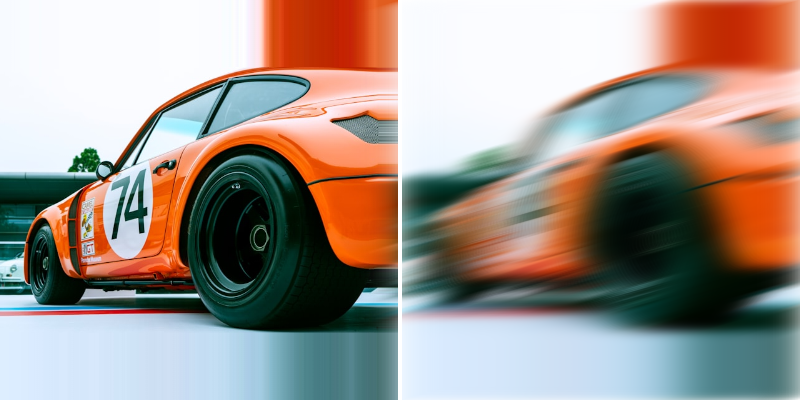
Blur a Shape along an axis to create a streaking effect or simulate motion blur.
UI
Angle - Set the direction of the blur in degrees.
Blur Amount - Set the distance/strength of the directional blur effect. Higher values create more pronounced blur streaks.
See other blur Filters:
Background Blur Filter→ Bilateral Blur Filter→ Fast Blur Filter→ Box Blur Filter→ Gaussian Blur Filter→ Luminance Blur Filter→ Zoom Blur Filter→