Bilateral Blur Filter
Intro
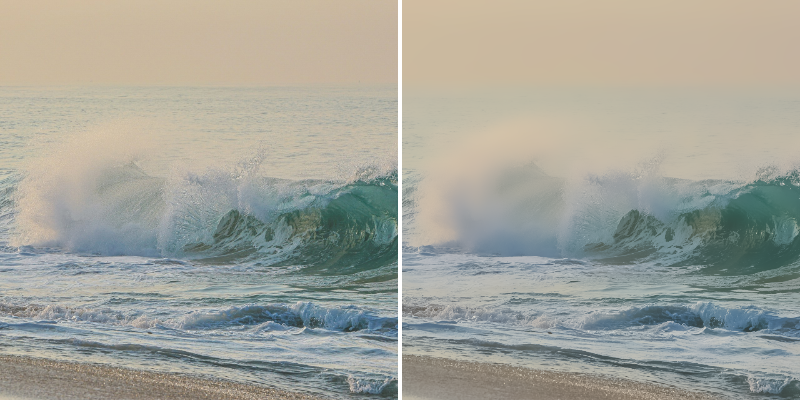
Add an edge-preserving blur that smooths areas of similar color while maintaining sharp edges.
This can be used for several tasks including noise reduction, skin smoothing and pre-processing for edge detection.
UI
Amount - Set the amount of blur in pixels to apply to the Shape.
Edge Threshold - Set edge detection sensitivity. A lower value will preserve more edges.
Color Tolerance - Combine similar colors within a tolerance. A higher value will result in a wider range of colours being combined.
See other blur Filters:
Background Blur Filter→ Fast Blur Filter→ Box Blur Filter→ Directional Blur Filter→ Gaussian Blur Filter→ Luminance Blur Filter→ Zoom Blur Filter→