Background Blur Filter
Intro
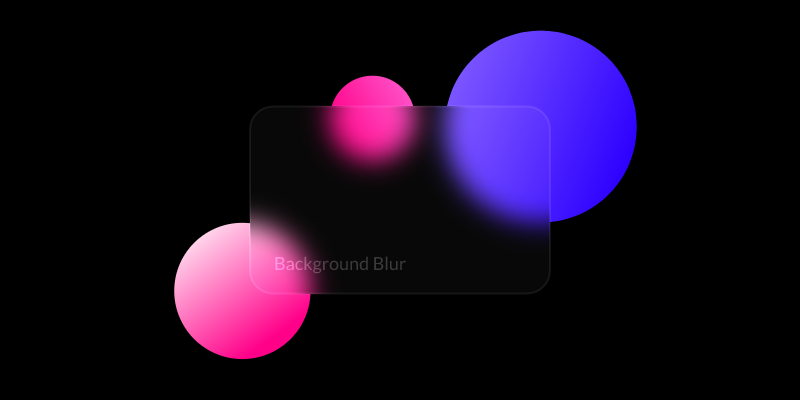
A Background Blur Filter blurs the areas of a Shape that sit within another Shape. It can be used to soften or take focus away from background elements – a common effect used in UI design for interactive menus.
UI
Blur Amount - Set the amount of blur (px) to apply to the Shape.
Blur Shape - Connect a Shape to define the areas the blur is applied to.
Example
- Create 2 Shapes (Shape1 and Shape2).
- Move them apart slightly so one overlaps the other.
- Load Shape1 into the Attribute Editor, click the
+button on the Filters attribute and select Background Blur. - Connect Shape2 as the Blur Shape to the Background Blur.
- Set Shape2's Opacity to 10%.
See other blur Filters:
Bilateral Blur Filter→ Fast Blur Filter→ Box Blur Filter→ Directional Blur Filter→ Gaussian Blur Filter→ Luminance Blur Filter→ Zoom Blur Filter→